Gift Card API Tutorial: Key to card.claimed in Under 5 Minutes
A 5-minute Hoppier gift card API tutorial: create an API key, set up a signed webhook, create a program, add a person, and receive the card.claimed event - with video, screenshots, and public example code.

This is the tutorial we wish every API shipped with: the whole loop, start to finish, in under five minutes. You will create an API key, set up a signed webhook, create a gift card program, add a person, watch the card.claimed event arrive, and check their status. David on our engineering team recorded the entire run, and every screenshot below comes from it.
The Hoppier API is live and open to every account by default: a full-access admin creates keys and webhooks in the dashboard, with no access request. The docs are public, and the example code is plain Node.js with nothing to install - no SDK, just the built-in fetch, crypto, and http.
Quick answer: clone hoppier-api-quickstart, paste an API key from Developers › API keys into .env, and run the five numbered scripts in order: check the key, search gift card brands, create a $25 program, add a person, list claim statuses. Point a webhook at a tunnel address and webhook-server.js verifies the signed card.claimed event when it lands. One warning: there is no sandbox, every call runs on your live account, so test with your own email.
Watch the Whole Run First
Under five minutes, no cuts. Everything below is the same run, step by step.
What You Need
- Node.js 22 or later (
node -v). - A Hoppier account with a plan - sign up at app.hoppier.com.
- For the webhook step, a public
https://address that reaches your machine. Hoppier refuseslocalhost, so use a tunnel like cloudflared.
Step 1: Create an API Key
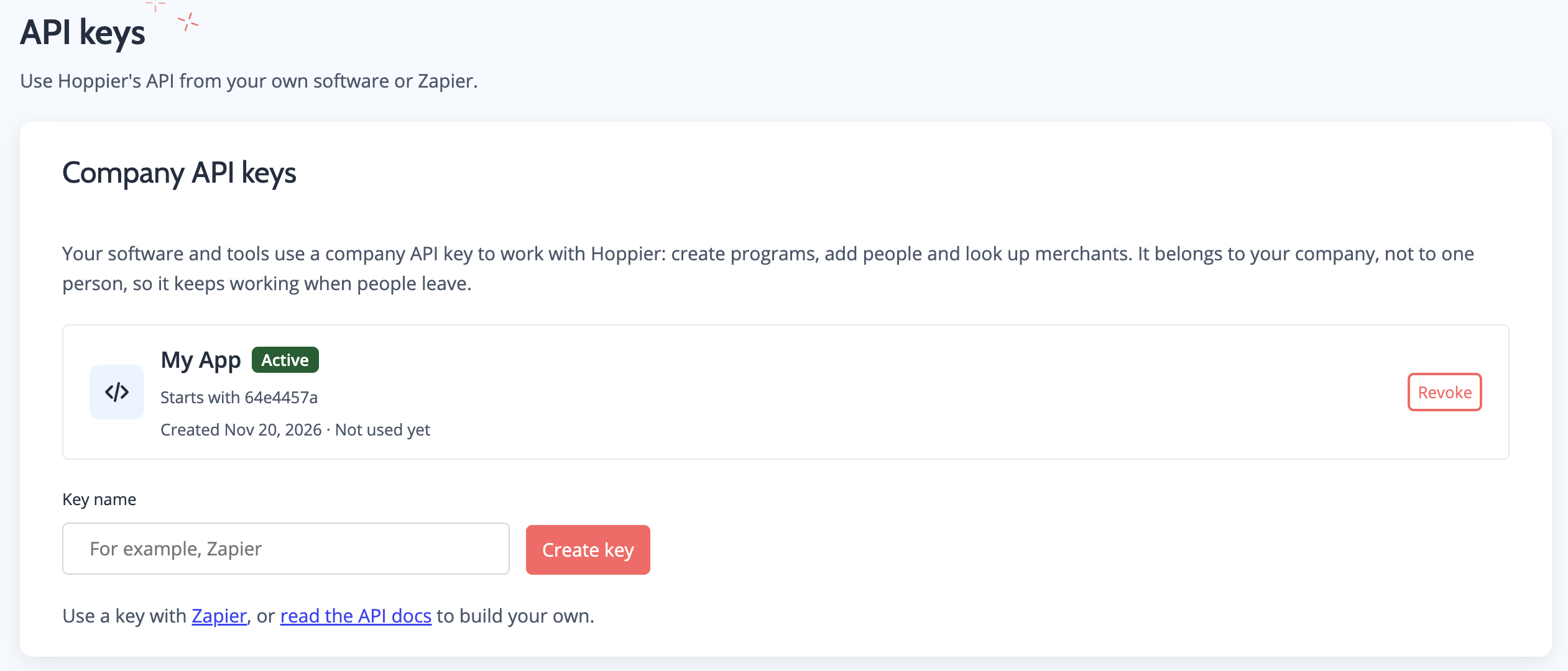
In the dashboard, go to Developers › API keys and press Create key. The key belongs to your company, not to one person, so the integration keeps working when people leave.
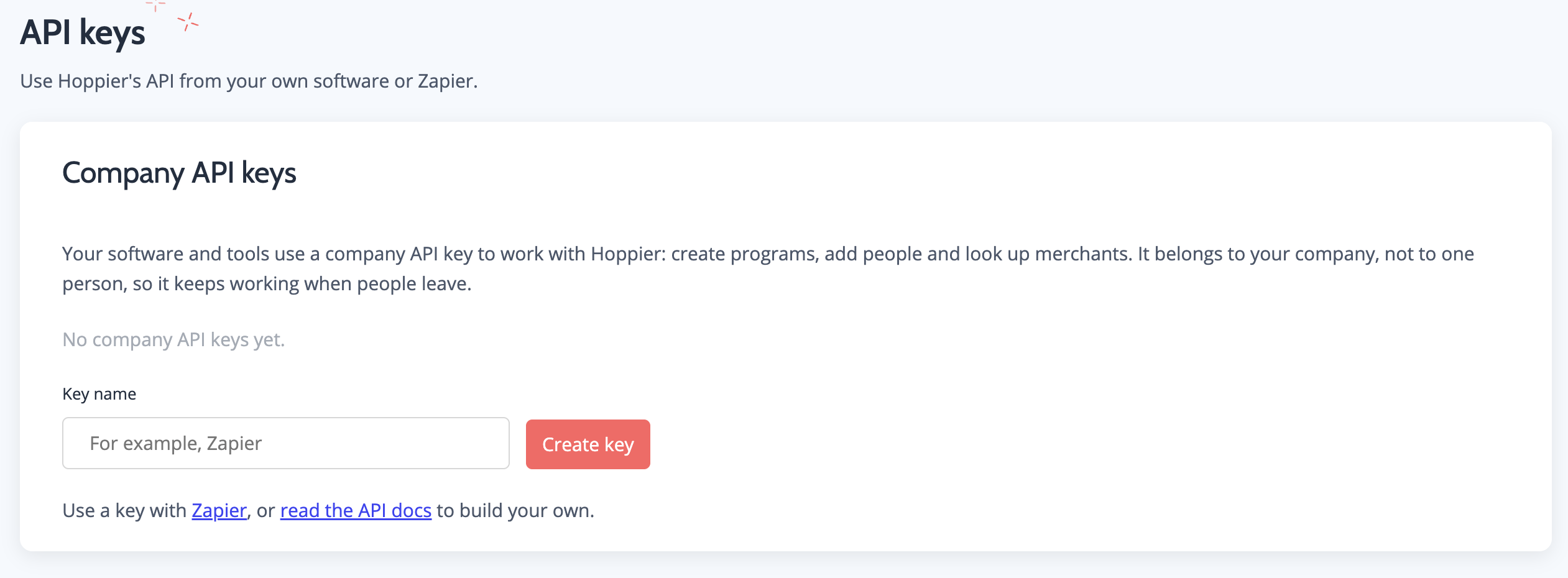
Hoppier shows the key once. Paste it into .env and keep it out of your code and out of git - the quickstart’s .gitignore already lists .env.
Step 2: Add a Webhook Endpoint
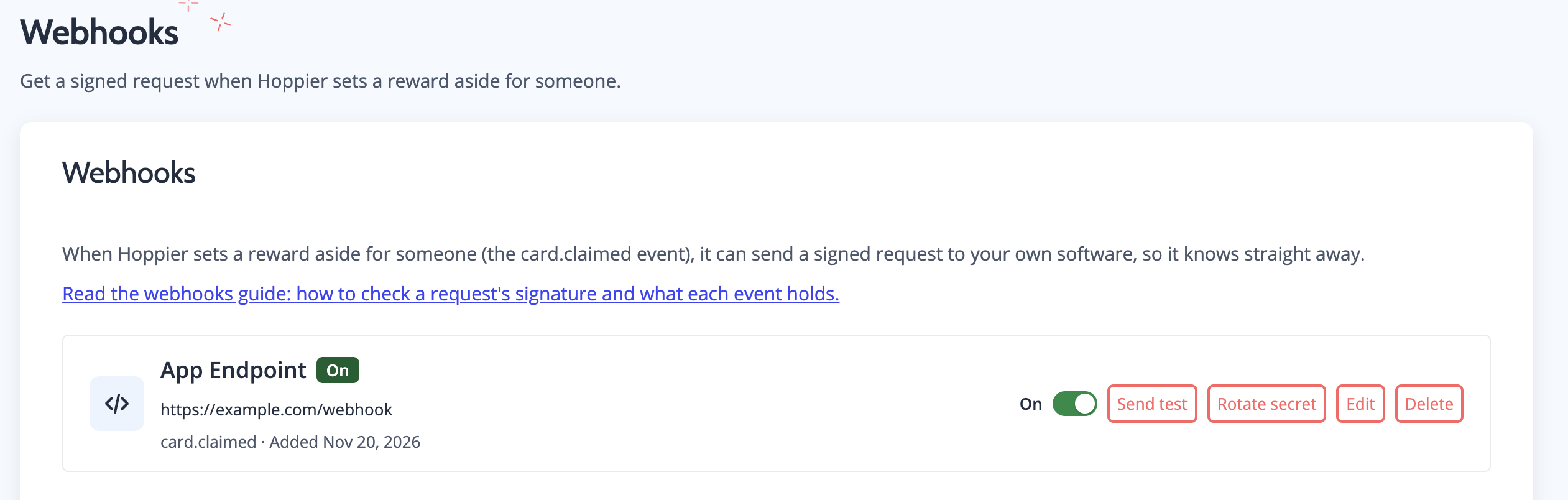
Go to Developers › Webhooks and add an endpoint. When Hoppier sets a reward aside for someone - the card.claimed event - it sends a signed request to your software, so your system knows straight away without polling.
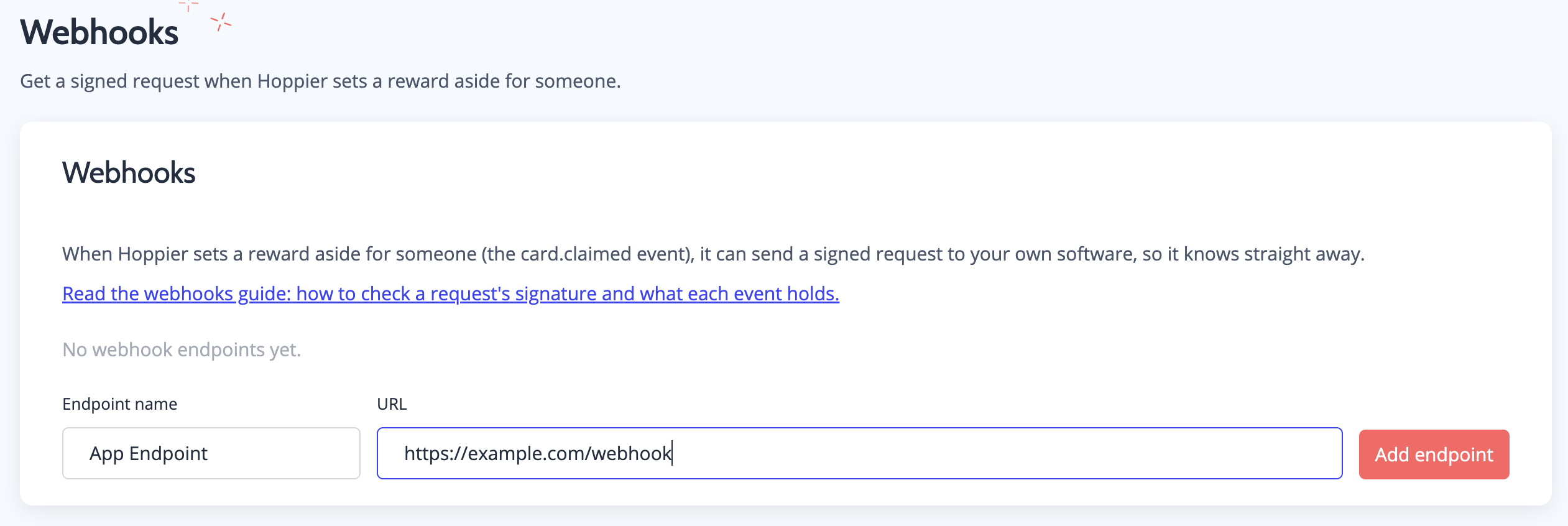
Copy the whsec_ signing secret (also shown once) into .env. The endpoint card has a Send test button you will use in step 7.
Step 3: Clone the Quickstart and Check Your Key
git clone https://github.com/hoppier/hoppier-api-quickstart.git
cd hoppier-api-quickstart
cp .env.example .env   # paste your key and whsec_ secret
node 1-check-key.js    # GET /validate - prints your company name
If the first script prints your company, authentication works and everything after is plumbing.
Step 4: Find the Gift Card Brands
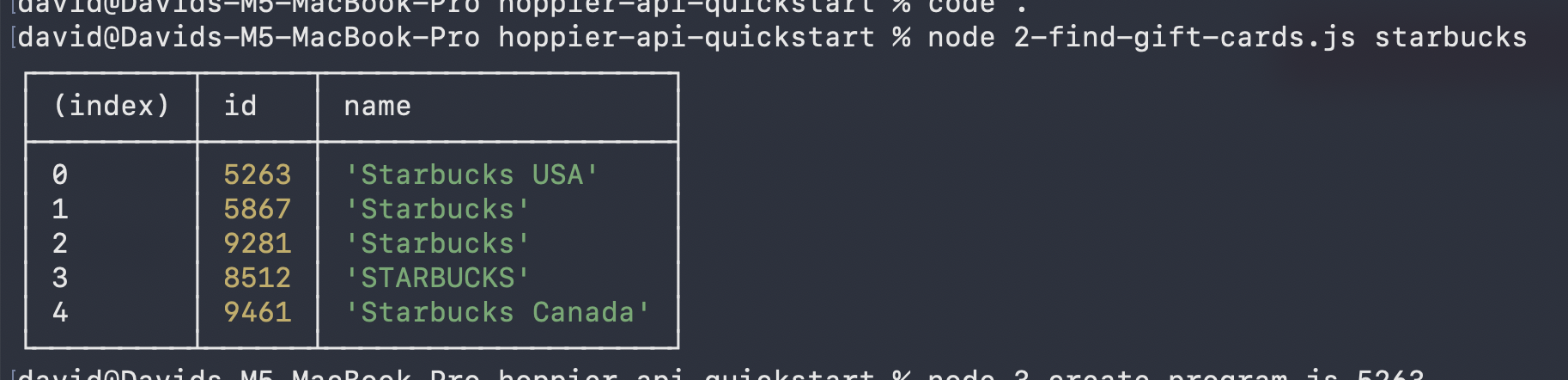
GET /merchants searches the brands a program can offer. Searching "starbucks" returns the id you need for the next step:
Step 5: Create the Program
POST /programs creates a live program worth $25 per person. One unit gotcha to tattoo somewhere: a program’s amount is in cents, so 2500 is $25.00.
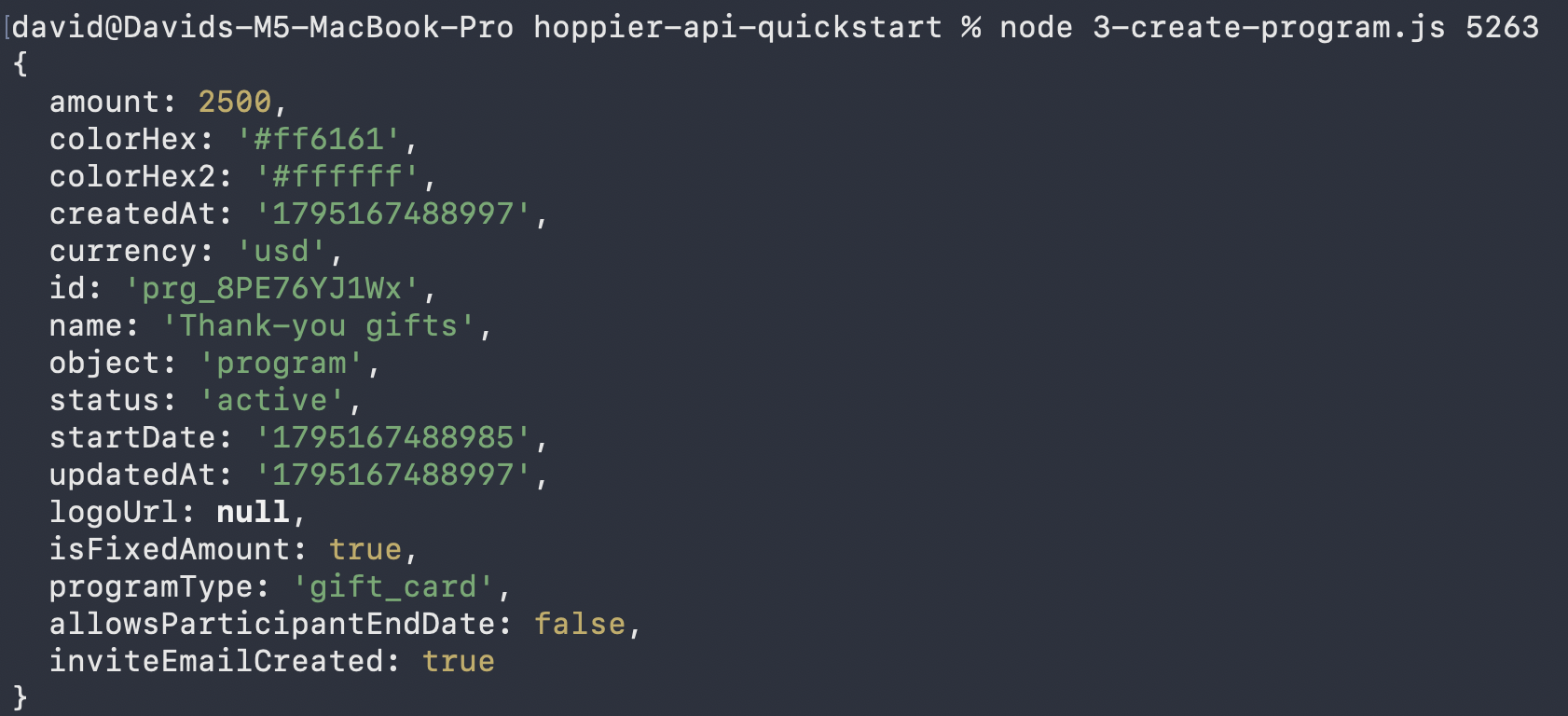
Copy the prg_ id it prints - the remaining scripts take it as an argument.
Step 6: Add a Person
POST /participants adds someone and returns their claim link. Add --send-invite and Hoppier emails it for you. The script sends an Idempotency-Key, so a retry after a timeout cannot add the same person twice - in your app, store the key with the add and reuse it on every retry.
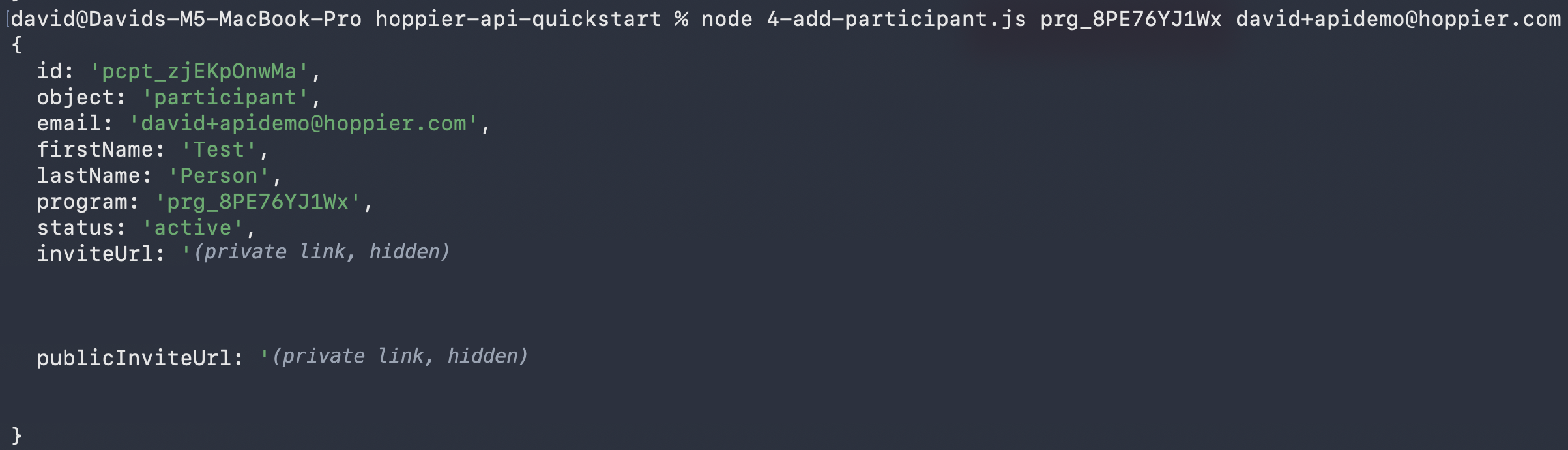
There is no sandbox, so this is a real person in a real program. Use your own email while testing.
Step 7: Watch card.claimed Arrive
Start a tunnel (cloudflared tunnel --url http://localhost:3000), point your endpoint at it, run node webhook-server.js, and press Send test in the dashboard. Within about a minute the server prints the verified event. The real one fires when Hoppier sets the reward aside for someone you added.
The example server does what every receiver should, and it is worth copying wholesale: it checks X-Hoppier-Signature on the raw body (HMAC-SHA256 of <t>.<body>, compared in constant time), refuses timestamps older than 5 minutes, answers 2xx inside the 10 seconds Hoppier waits, and skips event ids it has already handled, because retries reuse them.
One meaning worth being precise about: card.claimed means Hoppier has set the reward aside for the person. It does not mean they have spent it.
Step 8: Check Who Has Claimed
GET /participants shows each person’s status: pending until they claim, then active.

Good to Know Before You Build
- Units differ by object. A program’s
amountis cents; a participant’samountand the webhook’sdata.amountare dollars. - Errors come back as
{ "error": "<code>", "message": "…" }. Branch on the HTTP status anderror; message wording can change. - Rate limits: 50 requests per 10 seconds per IP, and 300 reads plus 120 writes per minute per account.
- Program creation takes no idempotency key. After a timeout, look the program up with
GET /programsbefore sending the create again.
From here, the trigger is yours: a survey completion, a closed deal, a birthday in your HRIS. The automation guide maps which delivery approach fits which trigger, and the API ranking is the honest comparison if you are still choosing a provider.
FAQ
Is there a sandbox?
Not yet. Every call works on your live account: a participant you add is a real person in a real program. Test with your own email addresses, on a program you made for the purpose.
Do I need an SDK?
No. The whole quickstart is plain Node.js on built-in fetch, crypto, and http - nothing to install. The API reference documents the endpoints directly.
Is the API generally available?
Yes - it is open to every account by default. A full-access admin creates keys and webhooks in the dashboard under Developers, and the API page covers what ships next.
What happens to cards nobody claims?
On Plus plans, 100% of unclaimed and unspent value returns to your balance after the expiry window you set - which makes automated sends low-risk by default.
Make Hoppier your unfair advantage
Send rewards, gifts, and perks to employees, clients, and event attendees in 60+ countries - all from one platform.
Get Started