 Salesforce integration
Send gift cards from Salesforce, automatically
Trigger a gift the moment a record changes - a demo is booked, a stage moves, a webinar ends. Reps stay in Salesforce; the coffee, lunch, or prepaid Visa just goes out - and 100% of unused funds come back to you.
Talk to Sales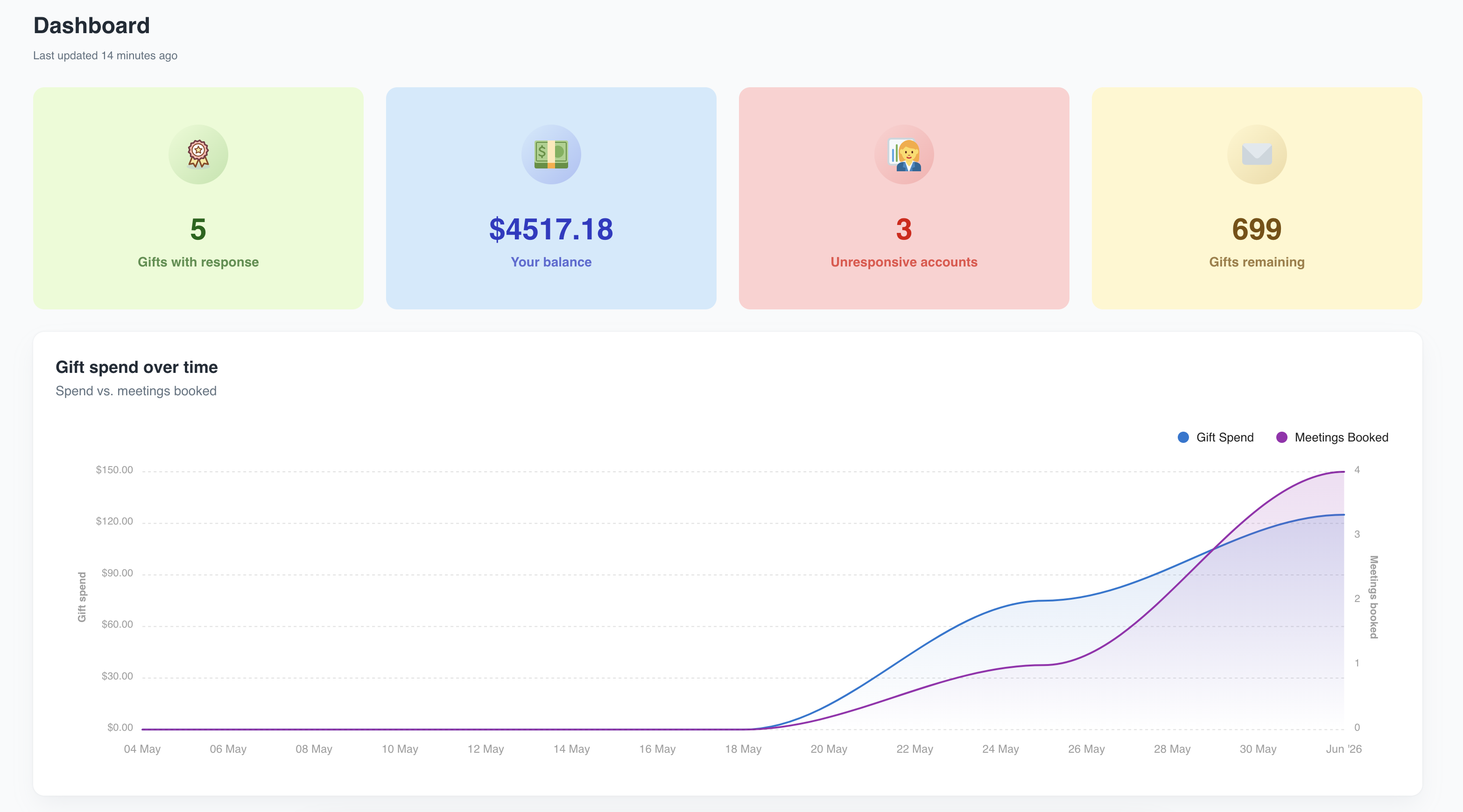
How it works
Link Hoppier to your Salesforce org - no code.
A field or stage change, a campaign, or a workflow.
Amount, eligible brands, prepaid Visa, or a meal card.
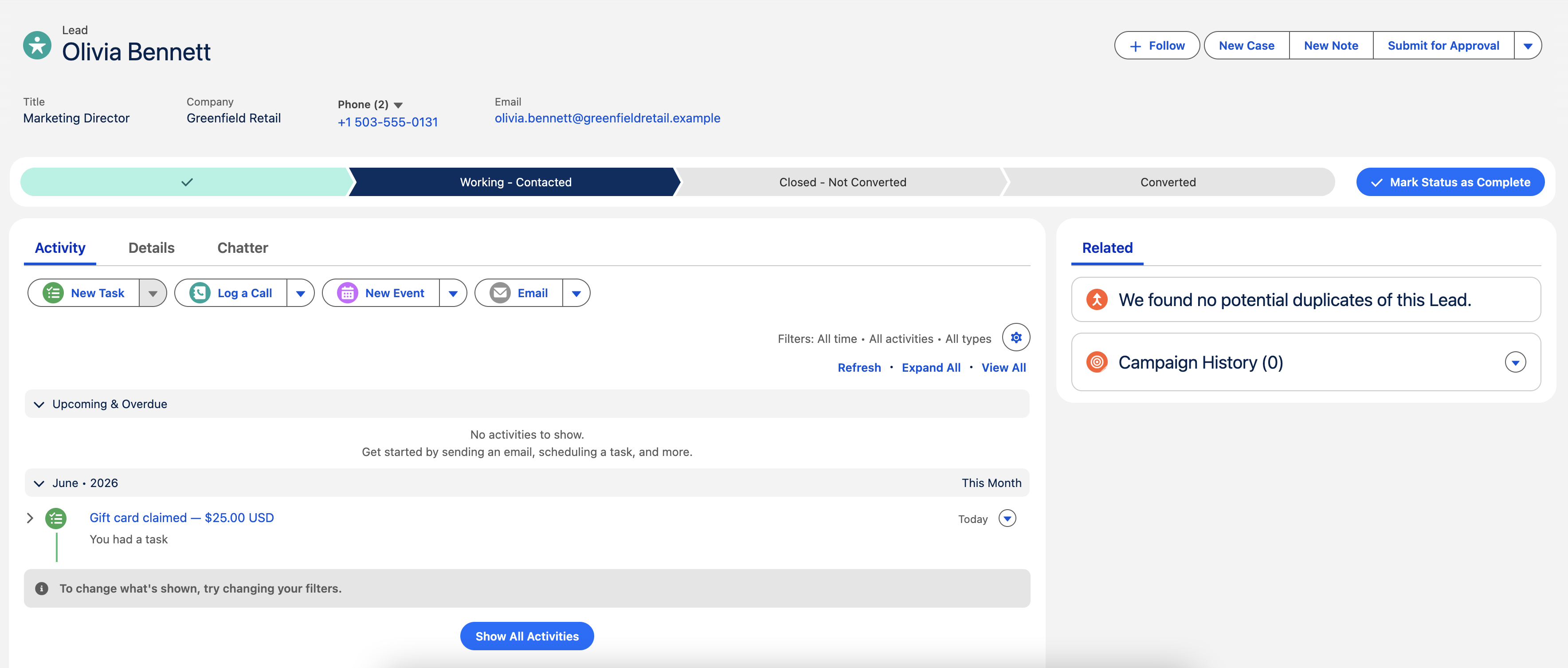
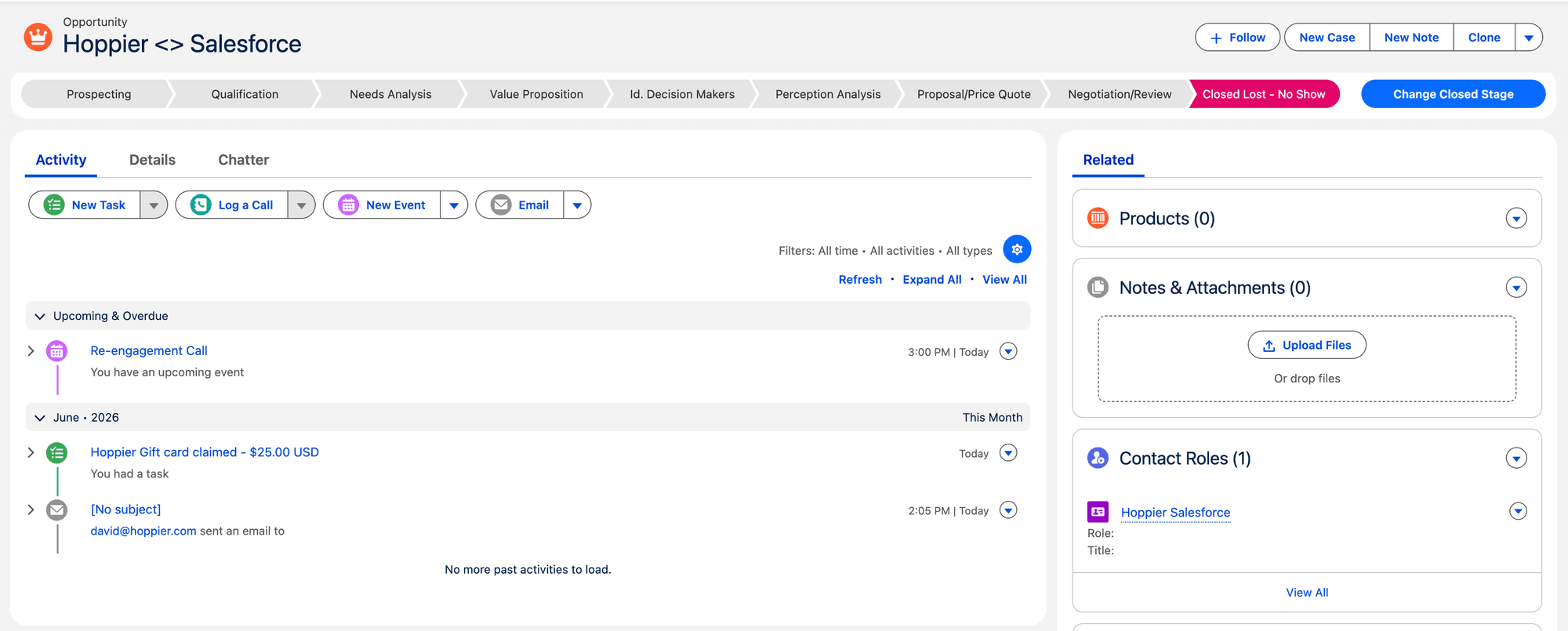
Hoppier sends automatically and logs the activity on the lead or opportunity.
8 ways sales & marketing teams use it
Every one is set up once and runs automatically.
When an opportunity hits “Demo Completed,” auto-send a $10 coffee with a thank-you note - while the conversation is still warm. No rep has to remember.
Send a small coffee or lunch card with the calendar confirmation (“first round’s on us - see you Thursday”). A booked meeting with a gift attached shows up far more often.
When an opportunity sits in “No Response” for 14 days, trigger a gift + a break-up email. A $15 nudge reopens more dead threads than a fifth follow-up ever will.
Offer a gift card for taking the meeting - auto-sent when the SDR books it and it’s accepted. Higher booking rates, fully tracked to the rep and campaign.
Sync your webinar campaign; everyone who attends gets a gift card the moment attendance is logged. Boosts turnout and gives sales a warm reason to follow up.
Use gifts as scheduled touchpoints - a welcome coffee for a new MQL, lunch before a key negotiation, a thank-you when a deal closes - each triggered by stage.
For ABM accounts, trigger a nicer gift (a real lunch, premium prepaid Visa) when a champion engages - orchestrated from the opportunity, no ops ticket.
Trigger a thank-you gift on the renewal date or after a 5-star CSAT, straight from the account record.
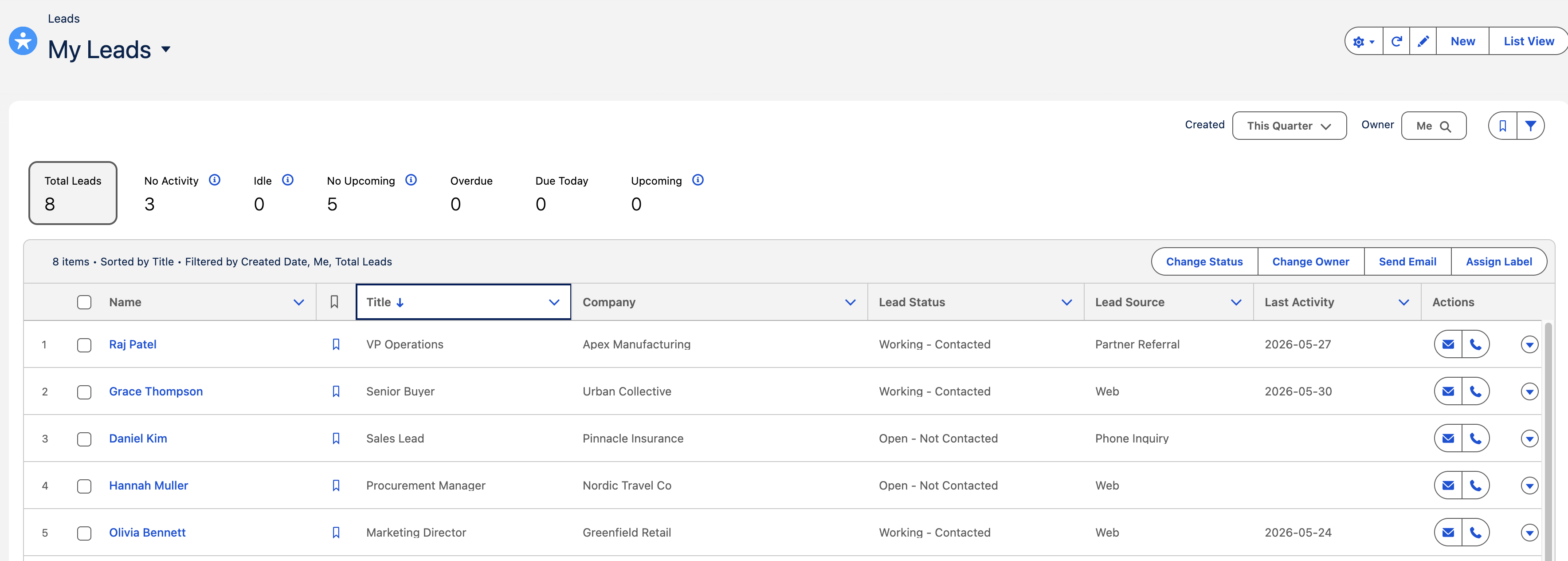
Tracked end-to-end, inside Salesforce
Salesforce gifting FAQ
Yes - Hoppier triggers sends from field or stage changes, campaigns, or workflows, so reps never leave Salesforce and nothing has to be sent by hand.
Set the trigger (e.g. stage = “Demo Completed,” or attendance logged on a webinar campaign) and the gift goes out automatically to the right contacts.
Yes - every send and claim is logged on the lead or opportunity, so reps see exactly who received and redeemed what.
100% of unused funds come back to your balance - automated gifting never turns into wasted budget.
Automate gifting from your CRM
See how teams trigger gifts from Salesforce to book more meetings, cut no-shows, and reopen deals.
Talk to Sales